
Online Voxelizer
Convert your 3D model or image into voxels in your browser.
All data is fast and securely processed on your local machine.
skip texture
save as obj
Export as Single Object
| file format | color | voxel size |
|---|---|---|
| .obj, .dae, .gif, .jpg, .png, .jfif, .bmp, .webp |  |
|
| .vox, .qb, .kvx, .schematic, minecraft.json, avorion | |
 |
| .scad | |
|
| .stl, .binvox, hexahedral | |
|
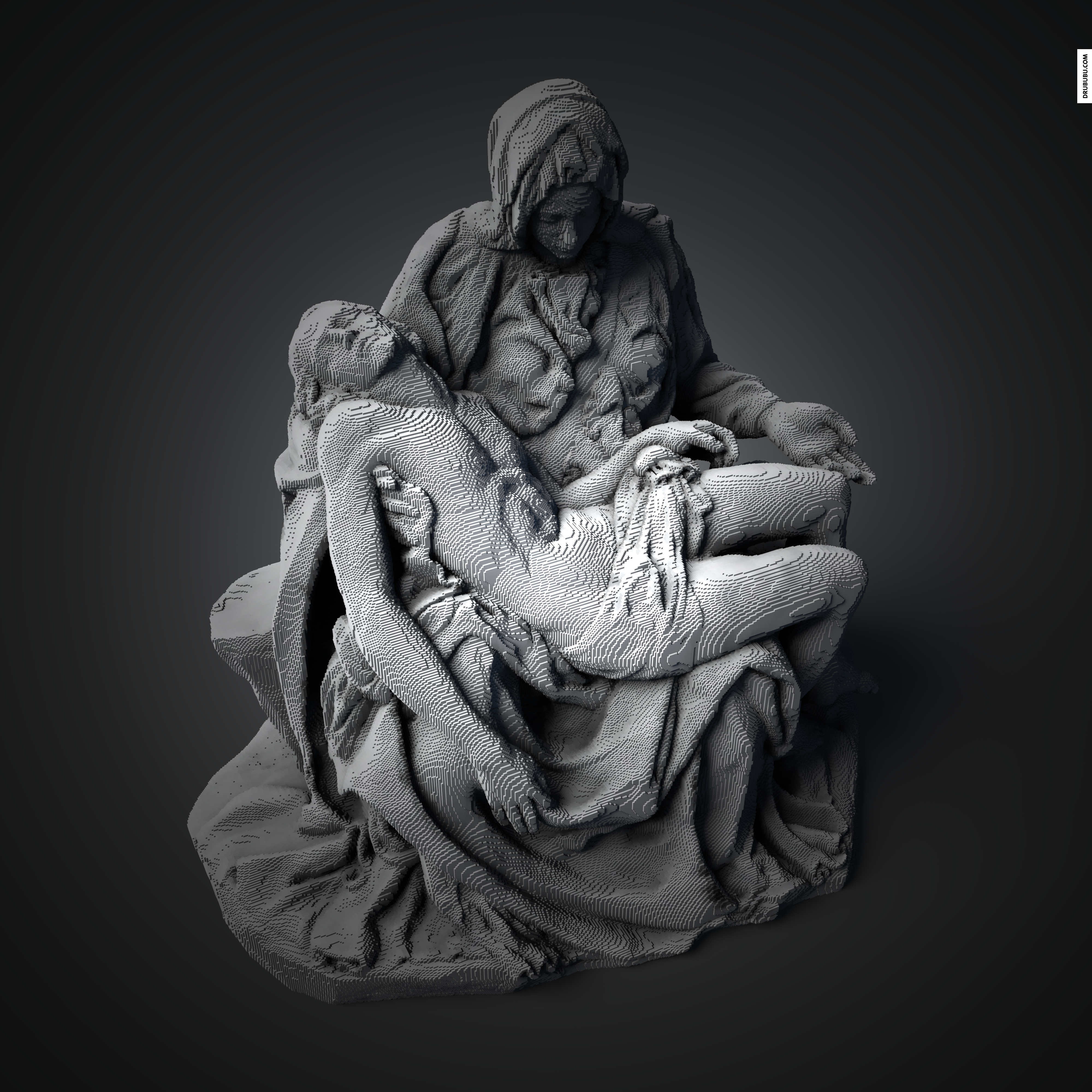

Features
- No plugins or executables installs needed, just a recent browser.
- Including a 2D layer inspector and complete 2D layer export to .pdf.
- Adjustable shell thickness.
- Input .OBJ, .BINVOX, .STL, .VOX (MagicaVoxel), .QB, .JPG, .JFIF, .WEBP, .GIF, .PNG and .BMP.
- Output, image sequence ( a series PNGS images ), .OBJ (triangles or quadrilaterals), hexahedral, .XML, .JSON, .SCAD (OpenSCAD), .QB (Qubicle Voxel Editor), MINECRAFT.JSON (minecraft), .GLB (binairy GL Transmission Format), .SCHEMATIC (minecraft), .POV (povray), .PY, .VOX, .KVX, .JS, .TS, .PNG, .DAE, Cinema 4D python script, Avorion (sandbox multiplayer game), Blender python script, isometric pixel art and .STL.
- Greedy meshing, polygon reduction or mesh optimization if exported as single object.
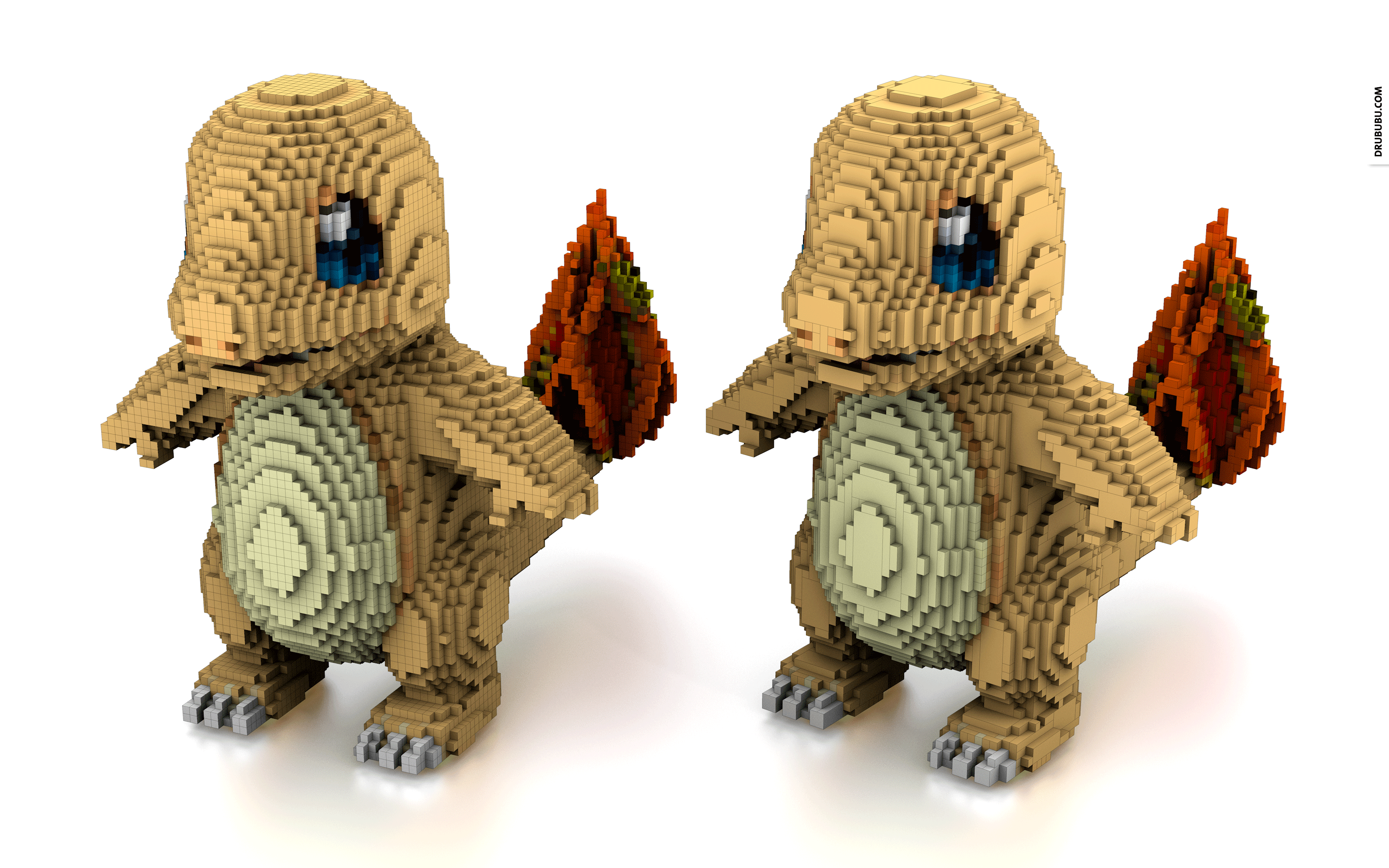
The left model consists of 33.327 quads, the right, optimized model, consists of 10.067 quads.
The legolizer might be interesting for you; convert any arbitrary polygon-based 3D model into a 3D LEGO® object.
Software Usage
Free for non-commercial use.
Feedback
If you have a question, remark, suggestion or report a bug please feel free to send me an e-mail.